The Claude Code skills every marketer should actually install
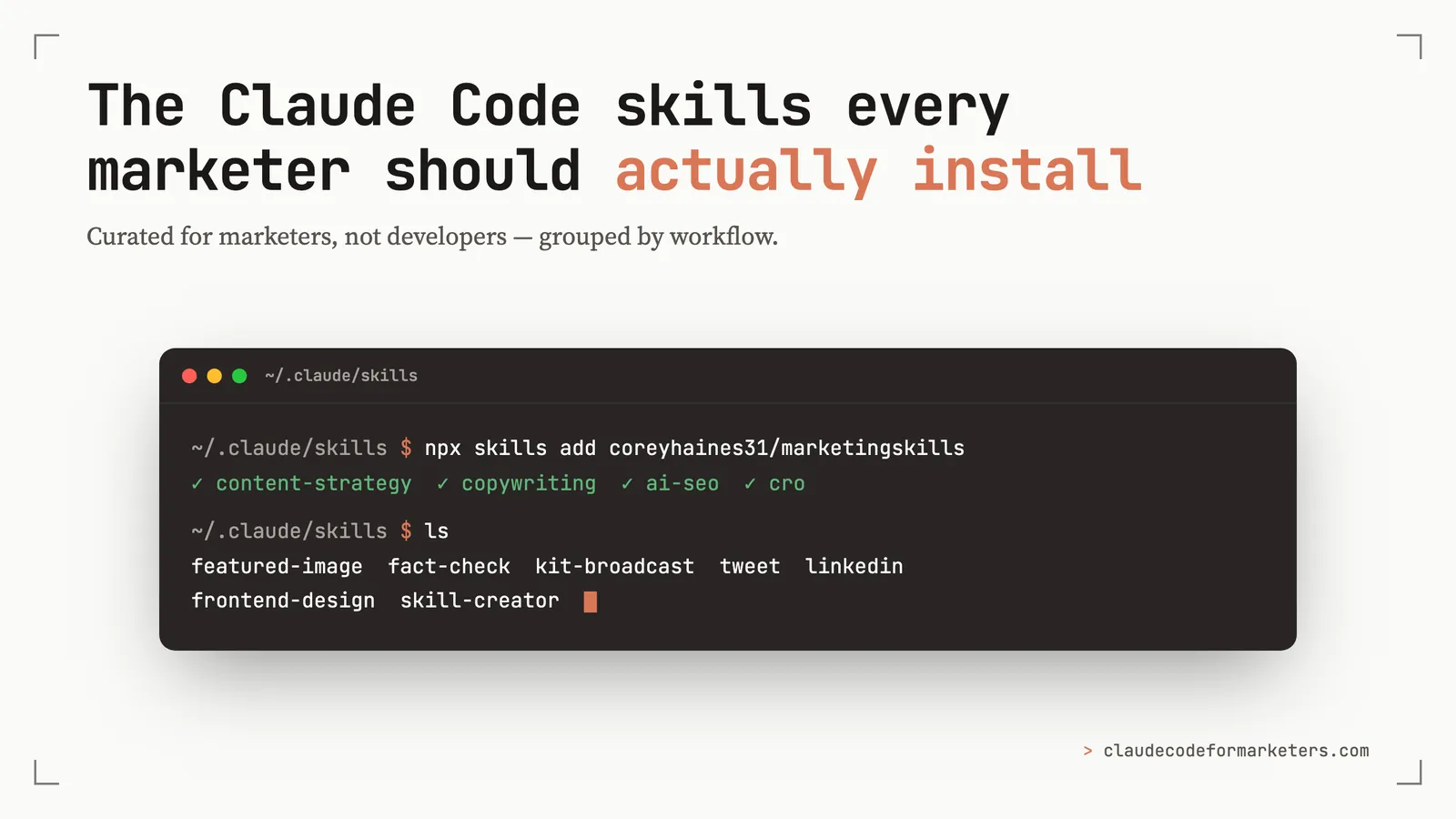
Short on time? Here’s my recommendation: install Corey Haines’ marketing skills pack for the writing, SEO, and CRO work, add Anthropic’s frontend-design and skill-creator, and then build the two or three small skills that fit your exact workflow. That last part is where you really start to see an unlock with skills, and it’s easier than it sounds.
There are now hundreds (or maybe even thousands) of public Claude Code skills, but most of them aren’t built for marketers. They’re built by developers, for developers, to do developer things. So when you go looking for “the good ones,” you wade through a lot of database-migration and code-review tooling before you find anything that helps you ship a landing page or a newsletter.
I’ve done a lot of that wading and this is the shortlist of skills that I actually reach for, grouped by where they fit in a content workflow.
A quick reminder of what a skill even is, in case you’re new here: a skill is a folder of instructions (and sometimes scripts) that teaches Claude Code how to do one specific job really well — so instead of re-explaining “here’s how I write a cold email” every time, you install the skill once and it just knows. I wrote a full explainer on skills if you want the deep version; this post assumes you’ve got the gist and just want to know which ones to install.
The candidate pool here comes from three places: Anthropic’s own skills, Corey Haines’ marketing skills repo (the best single collection built for marketers), and a handful I built myself for the parts that weren’t already covered by a public skill.
First, how installing a skill actually works
There are two paths for installing skills, and you’ll use both.
Personal skills live in a folder at ~/.claude/skills/. Each skill is its own subfolder with a SKILL.md inside (and optionally references and scripts). Drop a folder there, restart Claude Code, and it’s available. That’s the whole mechanism, which is also why building your own is so approachable (more on that towards the end).
Skill packs install with a single command. Corey’s entire collection, for example:
npx skills add coreyhaines31/marketingskillsThat one line works across Claude Code, Cursor, and any agent that follows the skills spec. If you’d rather go through Claude Code’s plugin marketplace instead, that path works too:
/plugin marketplace add coreyhaines31/marketingskills
/plugin install marketing-skills
Either way, you can cherry-pick individual skills — npx skills add coreyhaines31/marketingskills --skill cro copywriting — if you don’t want all forty-odd at once. With that out of the way, here’s the shortlist.
Workflow 1: Planning and writing
This is where most marketing work starts, so it’s where the highest-leverage skills are.
content-strategy
What it does: turns “I should probably blog more” into an actual plan — topic clusters, what to write next, and why. Source: The marketingskills repo Why I’d install it: I’ve built up a backlog for this blog and others that’s quite length at this point, but if this isn’t something have already, this skill walks you through getting started and helps you decide what’s worth prioritizing.
copywriting + copy-editing
What they do: copywriting drafts marketing copy for any page; copy-editing reviews and tightens copy you already have.
Source: The marketingskills repo
Why I’d install them: they’re a pair. Draft with one, polish with the other. These are opinionated in a good way, because they push for clarity and conversion, not just words on a page.
fact-check
What it does: audits an existing post for stale or wrong claims and flags exactly what to fix. Source: one I built. Here’s the walkthrough of how it works. Why I use it: Especially with comparison content or other fact-heavy blog posts, content rots. Prices change, features ship, “the latest version” stops being the latest. I point this at older posts before they get too out of date, and it catches the things I’d otherwise miss.
Workflow 2: Visuals and design
You don’t need a designer for most marketing visuals anymore. You need two skills.
frontend-design
What it does: produces genuinely good-looking, production-quality UI (for landing pages, lead-magnet pages, interactive components and more), instead of the generic AI-slop look. Source: Anthropic. Why I’d install it: this skill is often the difference between a landing page that looks like a template and one that looks custom-built. I lean on it for building landing pages and any standalone page that needs to convert.
featured-image
What it does: generates an on-brand featured image for a blog post by writing it as HTML and rendering it to a PNG — your exact brand colors and fonts, every time. Source: one I built (it’s the freshest skill on this list — I made it the same week I wrote this). Why I use it: every post needs a header image, and I was tired of either fighting a design tool or settling for something off-brand. Now I just use this skill, and I get a pixel-perfect, on-brand card in a couple minutes. It’s the precise-and-branded counterpart to AI image generators like nano-banana. Reach for an image generator when you want illustrative or photographic art, reach for this when the image has text and has to match your brand exactly.
Workflow 3: Publishing and distribution
If no one sees your new post or page, did it really ship? These are the skills that get your work in front of people.
tweet + linkedin
What they do: draft posts in my voice (not generic LLM voice) for X and LinkedIn, then schedule them through Typefully. Source: ones I built — voice profiles plus a scheduler. Why I use them: the value isn’t just that this skill writes and schedules tweets, it’s that they’re calibrated to how I actually sound, so what comes out doesn’t read like a bot wrote it. They draft and schedule, so a single post turns into a week of distribution without me babysitting a queue.
kit-broadcast
What it does: drafts and schedules a Kit.com (formerly ConvertKit) email broadcast when a new post ships. Source: one I built. Full build story here. Why I use it: email is still my best channel, and “write the email about a post” used to be the step I’d skip. Making it a skill removed the friction. Now, when a new post goes live, the broadcast is drafted and queued.
Workflow 4: SEO and research
The unglamorous work that compounds.
ai-seo
What it does: optimizes your content to get cited by AI search — ChatGPT, Perplexity, Google’s AI answers, not just ranked in classic SERPs. Source: The marketing skills repo.. Why I’d install it: this is the SEO frontier most marketers don’t have a workflow for yet. A growing share of your audience asks an AI instead of searching, and showing up in those answers is a different game than classic SEO. Getting in early is the whole point.
fetch-search-console (and the weekly report it lives in)
What it does: pulls your Google Search Console data — rankings, “striking distance” keywords sitting on page two, posts that are decaying — and rolls it into a prioritized weekly report. Source: one I built. It’s actually one of eleven skills in a weekly marketing report pipeline that also pulls from analytics, Kit, and PageSpeed, then emails me a Google Doc every Sunday with what to fix. Why I use it: this is the skill that tells me what to write next, backed by real data instead of vibes.
The meta skill: build the ones nobody else has
skill-creator
What it does: walks you through creating your own skill, including the structure, the SKILL.md, bundled scripts — and packages it up.
Source: Anthropic.
Why it’s the most important one here: you noticed that several skills above are ones I built. I’ve found the highest-value skill is always the one shaped exactly to your workflow, and no public repo will ever have that. skill-creator is how you make these skills.
How to find more on your own
This list is curated, not exhaustive. When you want to go deeper:
- Corey Haines’ marketing skills are the best marketing-specific collection — forty-odd skills across CRO, copy, SEO, ads, and more. Install the pack with
npx skills add coreyhaines31/marketingskillsand explore. - Anthropic’s skills cover the general-purpose foundation (design, document handling, the skill-creator itself).
- Build your own the moment you catch yourself explaining the same workflow to Claude twice. That’s the signal. My skills explainer is a great starting point.
Using Claude Code and building your own custom skills as you go is the best way to compound your work and make it an even better, more custom tool for you.
If you’re new to all this, get the foundation first: install Claude Code and get comfortable, then come back and install these skills. And if you want the bigger picture of how skills fit alongside everything else, take a look at the solo marketer’s AI stack.
Happy Clauding!
Join 190+ marketers who have gone through the free 7-day email course and learn how to use Claude Code for your marketing work and get notified when we publish new use cases and ways to stay ahead of the curve.
No spam. Unsubscribe anytime.
"I watched Keanan work magic with Claude [Code] in the terminal. My brain: 'It's far too technical!' 'Dark mode? Not for me!' ...I shipped 4 things in my first month."
 Sarah Sherman Community Builder at Retool